
What players say
Stellar Defender Retro Shooter captures the essence of classic arcade shooters without feeling dated. The pixel art is clean and colorful, and the difficulty ramps up at a satisfying pace. Controls are responsive on both mouse and touch, making it accessible on any device. The endless wave format keeps you coming back for just one more round. A solid choice for fans of retro action games.
About this game
Core Gameplay Loop
Stellar Defender Retro Shooter places you at the helm of a stationary cannon at the screen's lower edge. Your task is to eliminate rows of alien invaders that descend from above. Each wave presents a fresh formation, and your aim must be precise to clear them before they land. The game's pace escalates as you progress, with aliens accelerating and adopting more erratic paths. This straightforward premise creates a satisfying rhythm of action and reaction.
Visual Style & Audio Design
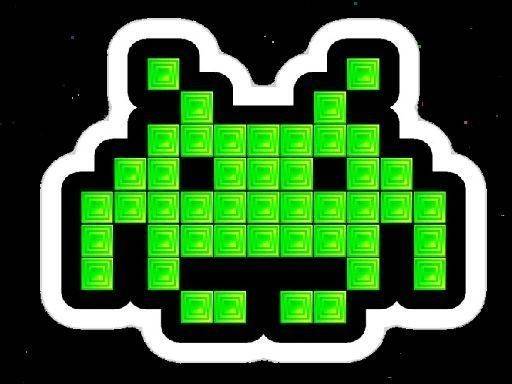
The game employs a pixel art aesthetic that recalls the golden age of arcade cabinets. Bright, contrasting colors make each alien type distinct, while the starry background adds depth without clutter. Sound effects are crisp and minimal, with a retro-inspired soundtrack that intensifies during later waves. This combination creates an immersive atmosphere that respects its roots while remaining accessible to modern audiences.
Difficulty Progression & Scoring
Stellar Defender Retro Shooter uses a tiered difficulty system. Early waves move slowly, allowing newcomers to learn the controls. As you survive more waves, alien speed increases and new enemy types appear, some of which drop projectiles. The scoring system rewards precision and speed, with bonus points for clearing waves quickly or hitting special targets. This structure keeps each session feeling fresh and encourages repeated attempts.
Device Compatibility & Controls
The game is optimized for smooth performance across desktops, tablets, and phones. On desktop, you use the mouse to slide the cannon left or right and click to fire. On touch devices, you drag your finger along the screen to move and tap to shoot. The controls are responsive and require no complex setup, making the game easy to pick up in short bursts or extended play sessions.
Strategic Tips for New Players
Focus on clearing aliens from the edges of the formation first, as this gives you more room to dodge incoming projectiles. Watch for patterns in alien movement; some groups move in sync, making them easier to predict. Use the brief pause between waves to reposition your cannon near the center. Taking short breaks during longer sessions helps maintain concentration and reaction speed.











Player Comments
Sign in to comment
You must be logged in before posting a review or rating.
No account? Create one
No comments yet. Be the first to comment!