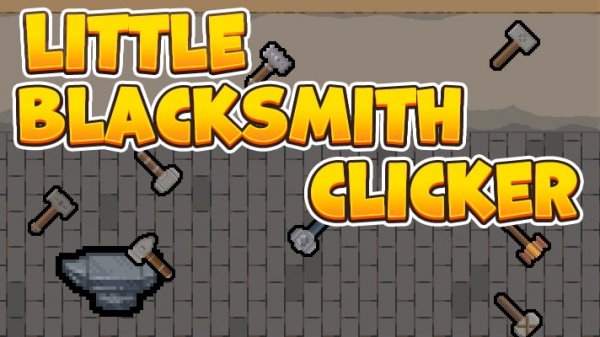
Little Blacksmith Clicker is a well-designed idle game that balances simplicity with progression. The core loop of clicking to craft and then upgrading your tools is satisfying. The game provides clear feedback and a steady stream of new hammers to unlock, which keeps the experience fresh. It is a great choice for short play sessions or longer relaxing sessions. The lack of complexity makes it accessible, but the upgrade system offers enough depth to keep you engaged.
Little Blacksmith Clicker is an idle crafting game where you take on the role of a skilled blacksmith. Your main goal is to craft weapons and equipment by using a central forge. The game combines simple clicking mechanics with a rewarding progression system, making it suitable for players of all ages. Developed by Neko, it offers a relaxing yet engaging experience that can be enjoyed during short breaks or longer sessions.
To play, you interact with the forge by clicking to produce hammers. These hammers are the primary tool for crafting various items. Each click generates resources that allow you to create different weapons and equipment. As you earn in-game currency from your creations, you can invest in upgrades to improve your forge and unlock new tools. The game provides clear visual feedback for every action, making it easy to understand and progress.
The game features a click-to-craft mechanic that lets you earn coins. You can upgrade your hammers to increase production efficiency. As you progress, you may unlock new tools to enhance your crafting capabilities. The game works smoothly on both desktop and mobile browsers, offering a consistent experience across devices. The simple controls and visual feedback make it accessible for casual players.
To succeed in Little Blacksmith Clicker, focus on upgrading your hammers regularly to boost your production rate. Keep an eye on the resources you generate and invest in improvements that offer the best return. Take advantage of idle mechanics by letting the game run in the background to accumulate resources. Experiment with different upgrades to find the most efficient path for your playstyle. Consistency is key—even short sessions can lead to significant progress over time.
Clean design and smooth gameplay. Great for short breaks and puzzle lovers.
Clean point and click puzzles with a calm forest theme. Perfect for short breaks.
Clean design and smooth gameplay. Great for short breaks or quiet evenings.
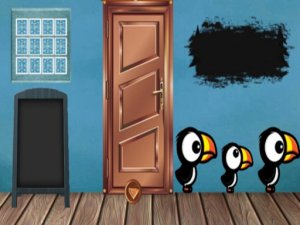
Clean design and smooth gameplay. Great for short breaks and puzzle lovers.

Charming puzzle game with a festive theme. Great for quick, family-friendly fun.
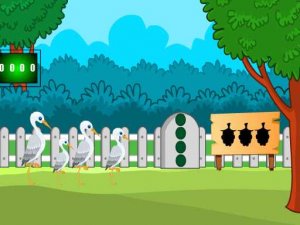
Clean design and smooth gameplay. Great for short breaks.
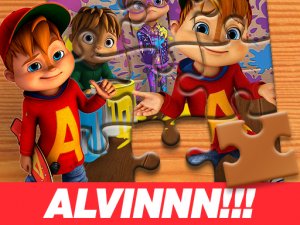
Clean puzzle design with three difficulty levels. Smooth drag-and-drop controls. Great for short breaks.
Simple, clean, and relaxing. Perfect for unwinding during short breaks. Easy to play for all ages.

A clean incremental game with strategic depth. Great for relaxing breaks and planning.
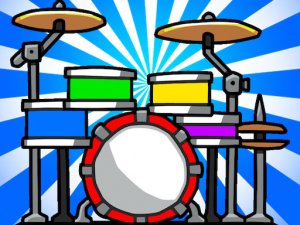
Bright, simple, and safe. Perfect for introducing toddlers to music and rhythm.