
What players say
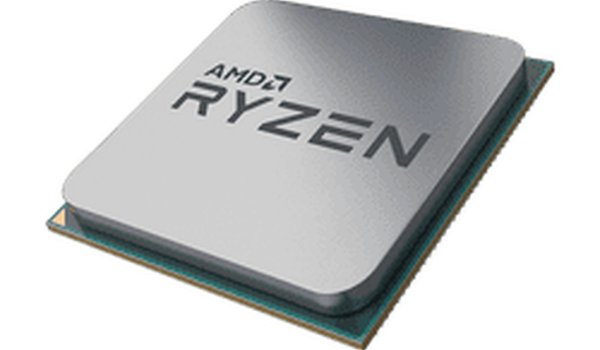
MeuPC Computer Assembly Puzzle offers a calm, educational experience for anyone curious about computer hardware. The drag-and-drop mechanics are smooth and intuitive, with visual cues that guide correct placement. It covers essential components like the CPU and RAM without overwhelming the player. The lack of timers makes it ideal for children and beginners. A great tool for building foundational tech knowledge.
About this game
Game Introduction
MeuPC Computer Assembly Puzzle is an educational game designed to introduce players to the basic components inside a personal computer. The core objective is to learn the names and correct placement of hardware parts such as the motherboard, CPU, RAM, hard drive, and power supply. Players interact with a simple drag-and-drop interface, moving each component from a parts tray to its designated slot inside a computer case diagram. Visual cues highlight the correct location, making the learning process intuitive and accessible. This game is suitable for all ages, particularly children and beginners who are curious about technology. It promotes logical thinking and problem-solving skills without any stressful or violent elements. MeuPC provides a safe, hands-on virtual experience for understanding PC hardware layout and function.
How to Play
To play MeuPC Computer Assembly Puzzle, players begin by examining the parts tray located at the bottom of the screen. They click and drag a component, such as the CPU or RAM, toward the computer case diagram. A highlighted area indicates where the part should be placed. Releasing the mouse button drops the part into position. If the placement is correct, the part locks into place with a brief animation. If incorrect, the part returns to the tray. The game proceeds step by step, allowing players to build a complete basic computer at their own pace. There are no timers or penalties, ensuring a relaxed and pressure-free learning environment.
Game Features
The drag-and-drop assembly mechanic makes learning interactive and engaging. Educational content teaches real computer hardware names and their locations within a standard desktop case. The family-friendly design ensures a safe experience for players of all ages. Step-by-step progression allows players to learn gradually without feeling rushed. Visual cues guide the player to the correct slots, reducing frustration and supporting independent learning. The game may include multiple levels or puzzles that reinforce knowledge through repetition.
Tips for Success
Take your time to observe each highlighted area before dropping a part. If a component does not fit, try checking the shape of the slot or the orientation of the part. Practice identifying parts by their names and shapes to speed up your assembly. Repeating the puzzle multiple times can help reinforce your understanding of computer hardware layout and improve your recall of component names.










Player Comments
Sign in to comment
You must be logged in before posting a review or rating.
No account? Create one
No comments yet. Be the first to comment!